2-4 players
6 GB RAM
$8.99 / month
Choose Starter
PALWORLD HOSTING
Straightforward Palworld hosting for the world your group keeps coming back to. Pick a monthly plan, check out securely, and manage everything from your own control panel.
Pick your party size
Player counts are based on default settings; changing game variables such as max bases, spawn rate, or max Pals in base may need more memory. Every plan includes server controls, daily backups, and scheduled tasks.
6 GB RAM
8 GB RAM
12 GB RAM
Bring the whole crew
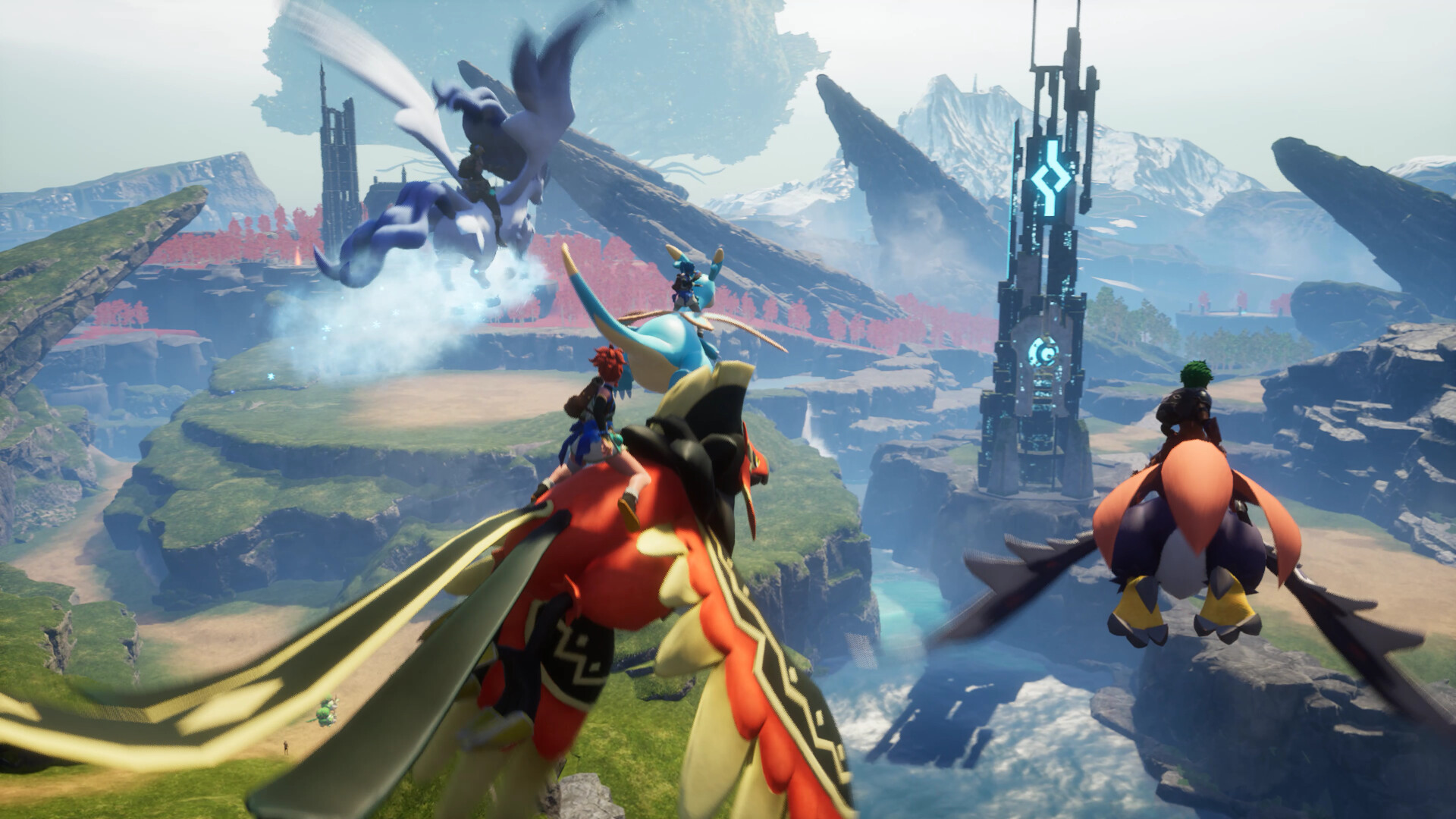
Build, explore, and keep your Palworld adventure available for the people who make it worth returning to.
Your server, under your control
Use the server panel to manage your Palworld settings, scheduled tasks, files, and backup restores. The day-to-day tools stay with the people who actually play on the server.
Daily backups are retained by us, and you can download available backups from the panel.
Use the panel to restore available backups yourself when you need to roll a world back.
Manage server settings and scheduled restarts without opening a support ticket for routine changes.
No long sales funnel
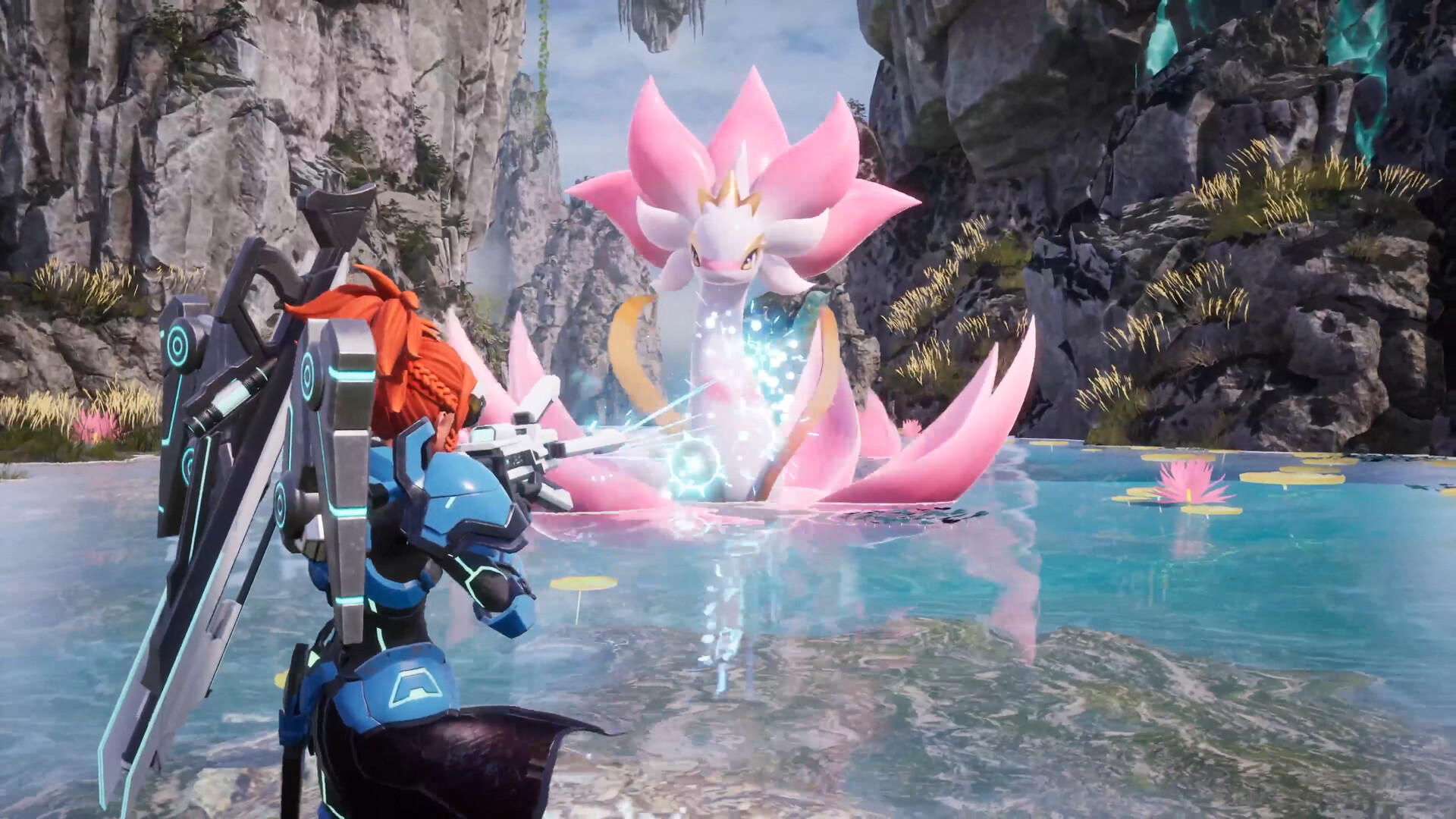
We keep the order flow simple. Choose the size of your group, complete secure checkout, then receive your server setup details.
Select the 6 GB, 8 GB, or 12 GB monthly plan that matches your group.
Payment is handled securely. We do not collect or store your card details.
Once setup is confirmed, use the panel to manage your server and invite your group.
The real SideQuest panel
These are actual SideQuest panel screens. Import an existing world, manage files, or tune a Palworld world without digging through raw configuration files.
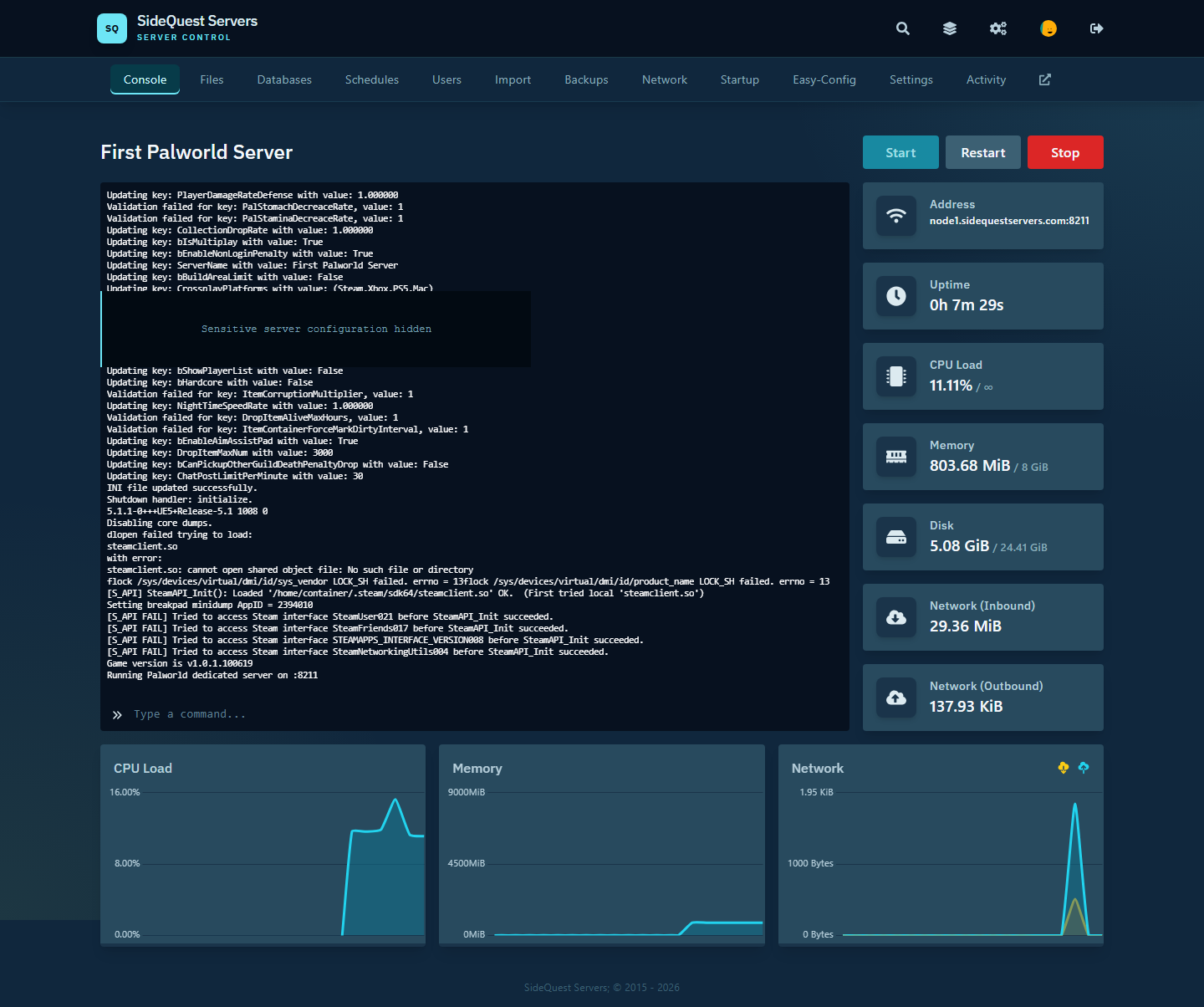
Start, restart, monitor resource usage, and watch your server come online.
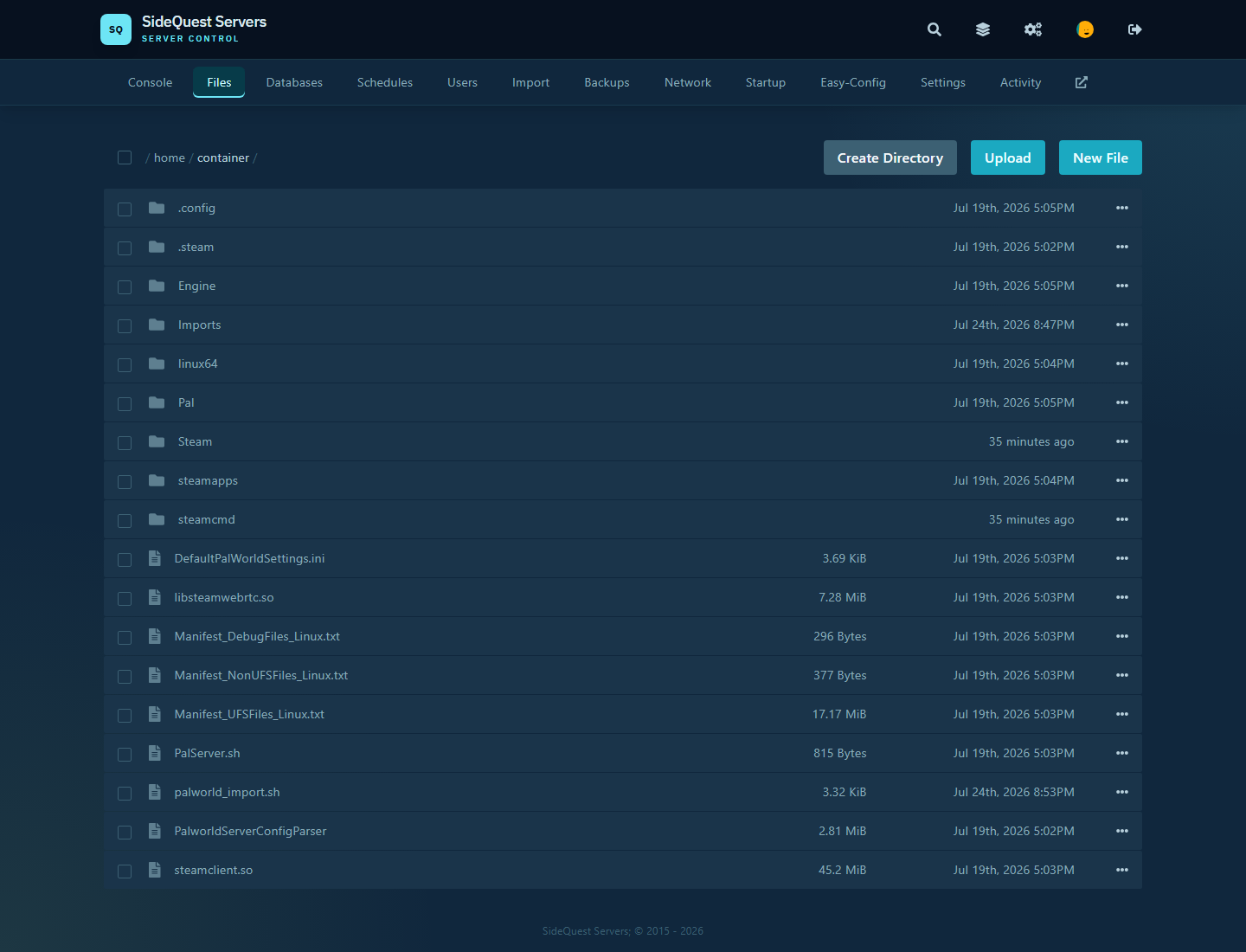
Browse and manage the files that make up your server.
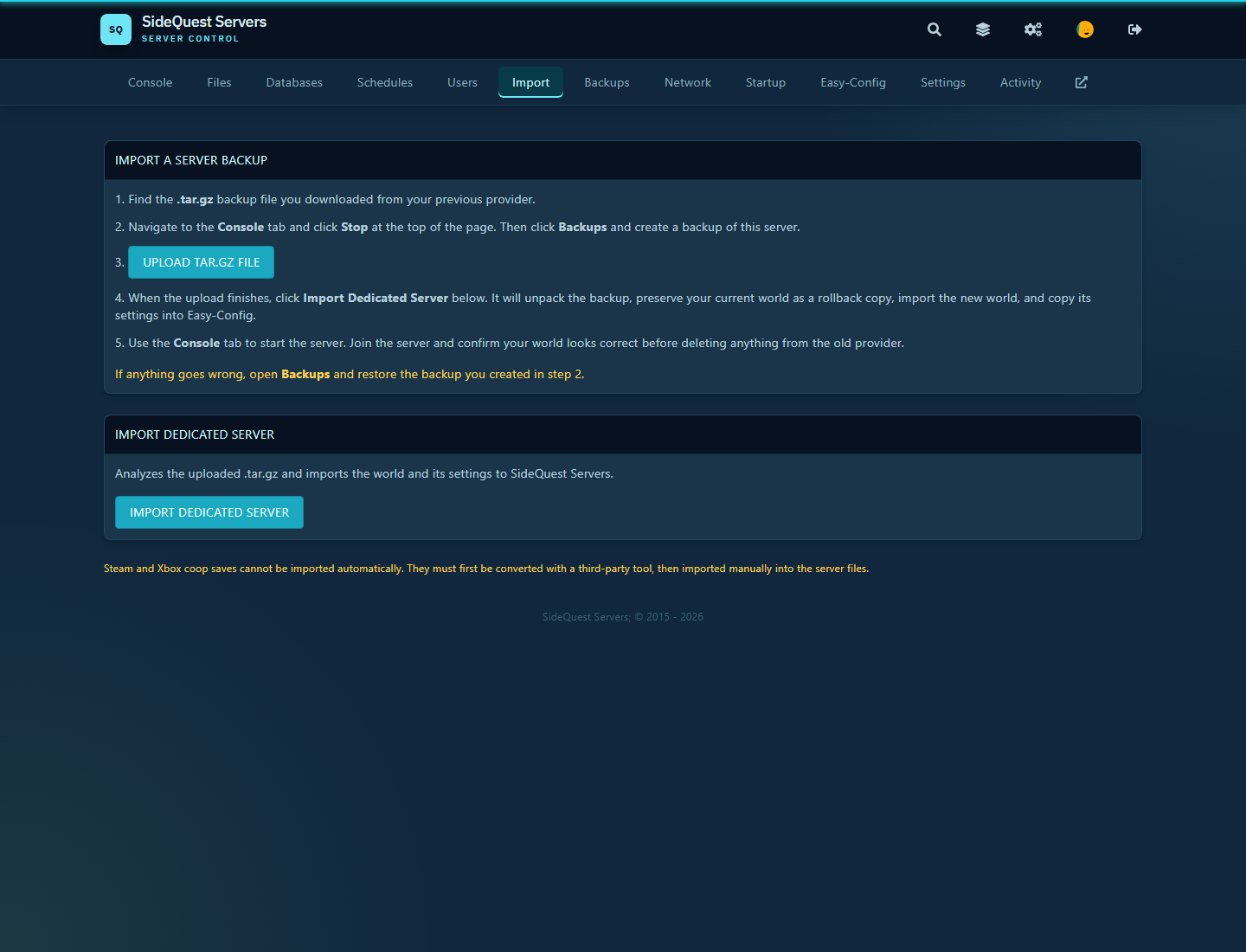
Move an existing dedicated-server world with guided steps and rollback protection.

Adjust Palworld settings through clear controls rather than hunting through config files.
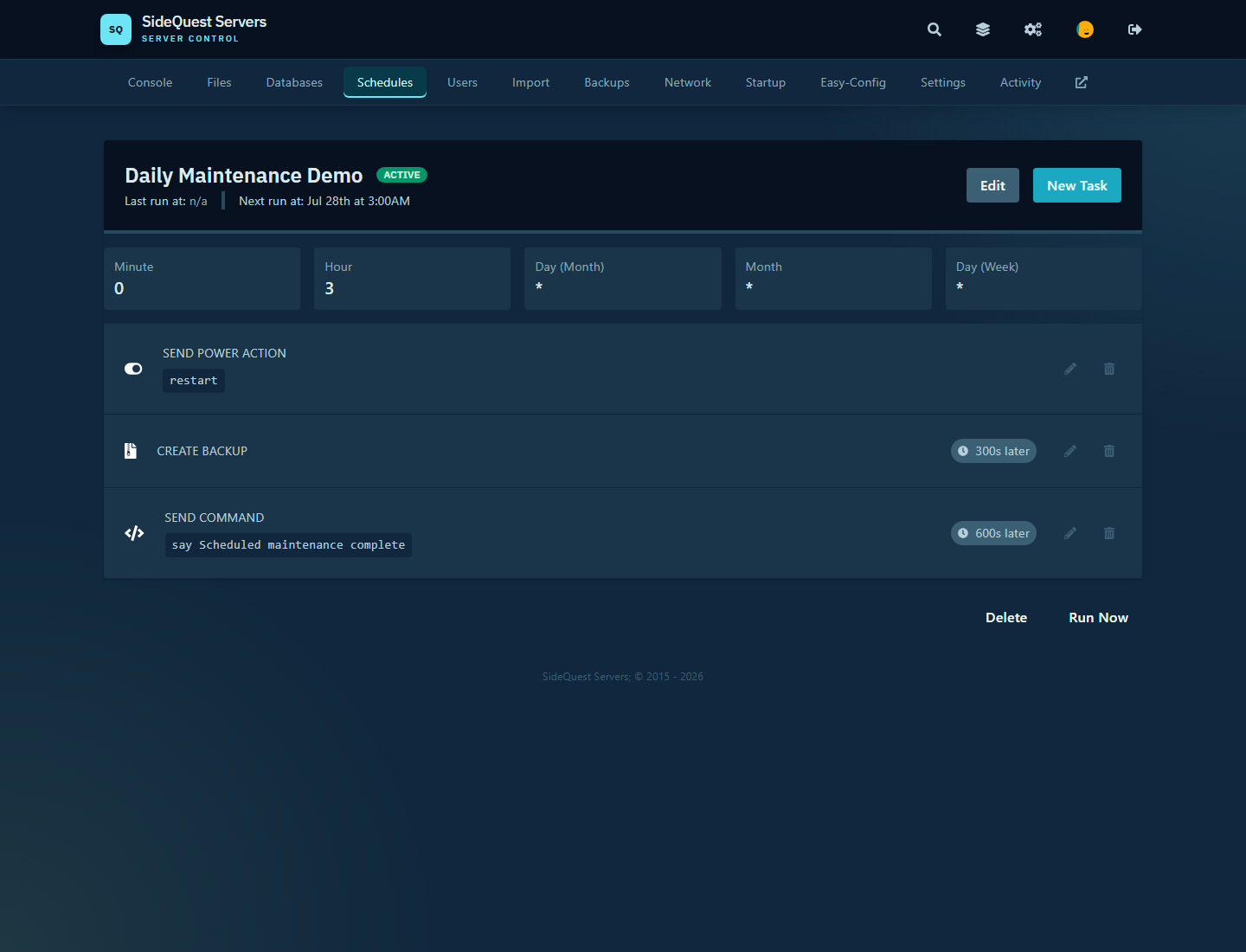
Build reliable routines with restarts, backups, commands, and maintenance tasks on a schedule you control.
Palworld FAQ
What to expect from your SideQuest Palworld server, from crossplay to updates.
Palworld servers support crossplay across PC, PS5, and Xbox. One server lets everyone play together, so your whole group shares the same world no matter which platform they play on.
No, mod support is not currently offered for our Palworld servers. However, you can fully customize gameplay variables using the Easy-Config tab within the Console Interface.
Yes. Our Palworld servers stay current with game updates, including the major 1.0 release. When a new version releases, servers update automatically so your world is always running the latest version.