2-4 players
6 GB RAM
$8.99 / monthChoose SafehousePROJECT ZOMBOID HOSTING
Straightforward Project Zomboid hosting for the save your group keeps talking about. Choose a monthly tier, keep the world persistent, and manage the practical work from one control panel.
PICK YOUR SURVIVOR GROUP
Player counts are based on default Apocalypse settings; heavily modded worlds or high zombie populations may need more memory. Every tier includes server controls, daily backups, panel access, and scheduled maintenance.
6 GB RAM
$8.99 / monthChoose Safehouse8 GB RAM
$11.99 / monthChoose Survivor Group12 GB RAM
$16.99 / monthChoose OutbreakFROM PLAN TO PANEL
Choose the right capacity, complete secure checkout, then receive access to your persistent world and the SideQuest panel.
Select the Safehouse, Survivor Group, or Outbreak tier that fits your community.
Payment is handled securely. We do not collect or store your card details.
Once setup is confirmed, use the SideQuest panel to manage your console, files, backups, and scheduled maintenance.
Your world, under your control
Use your SideQuest panel for the routine work that keeps a long-running Zomboid world healthy, without waiting on a ticket for every small task.
Daily backups help protect the world your group has built over time, with available world data kept accessible through the panel.
Plan restarts and maintenance around your community instead of cutting into every session.
Start, stop, monitor, and use the console when your world needs attention.
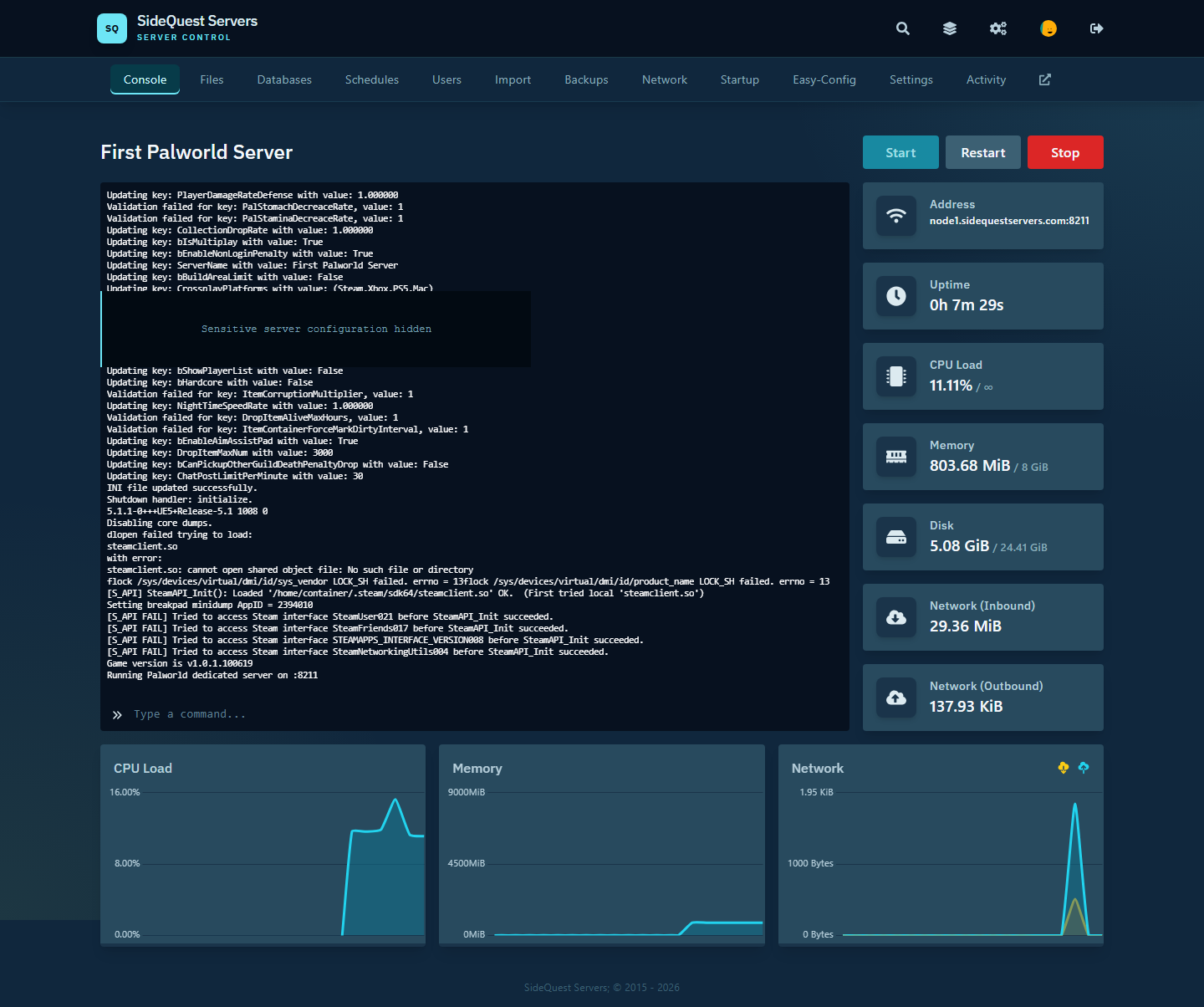
Everyday server tools
Use the tools that matter between sessions without turning routine server work into a support request.
Start, restart, monitor resource usage, and follow the server as it comes online.
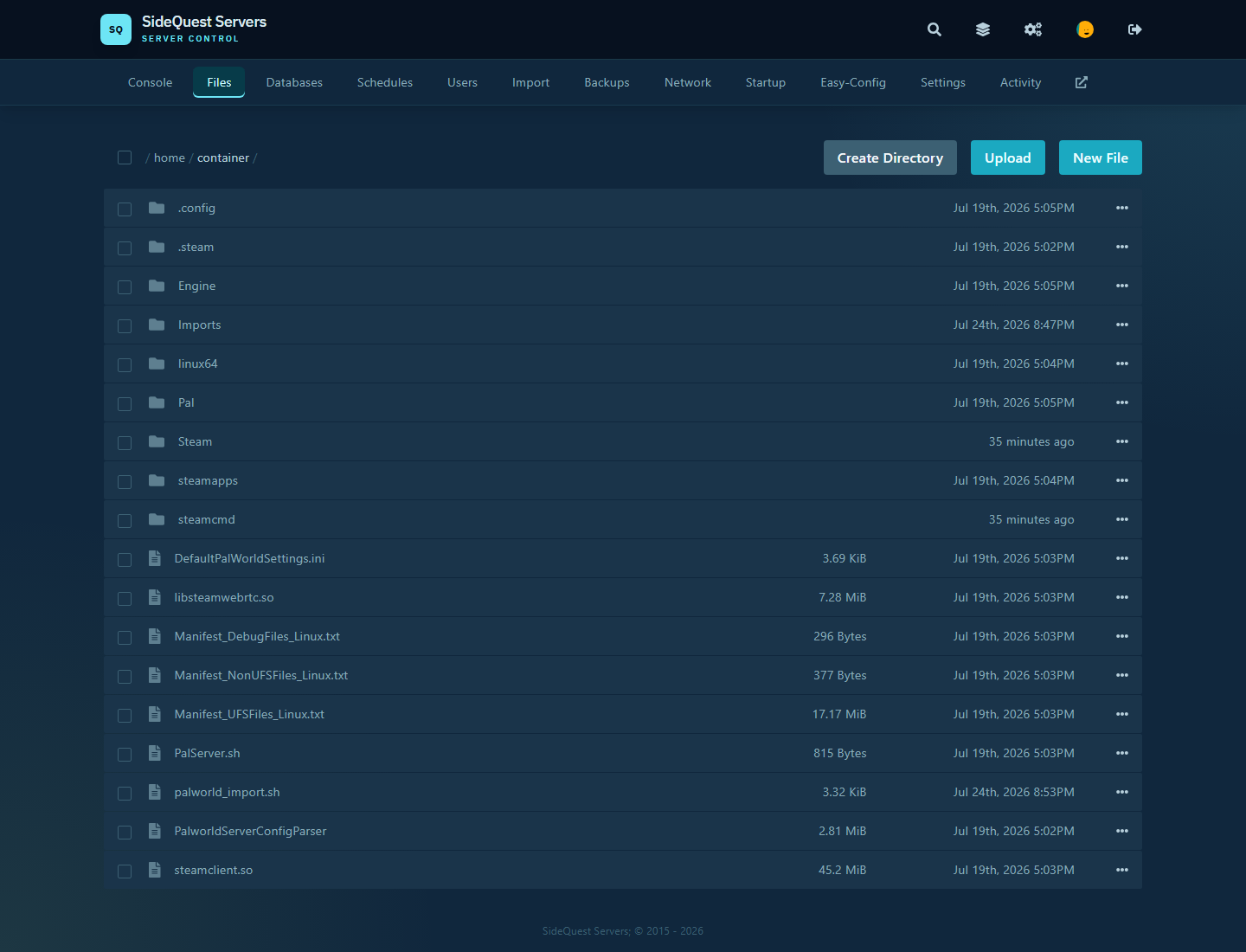
Browse the files that make up your server without relying on a support ticket.
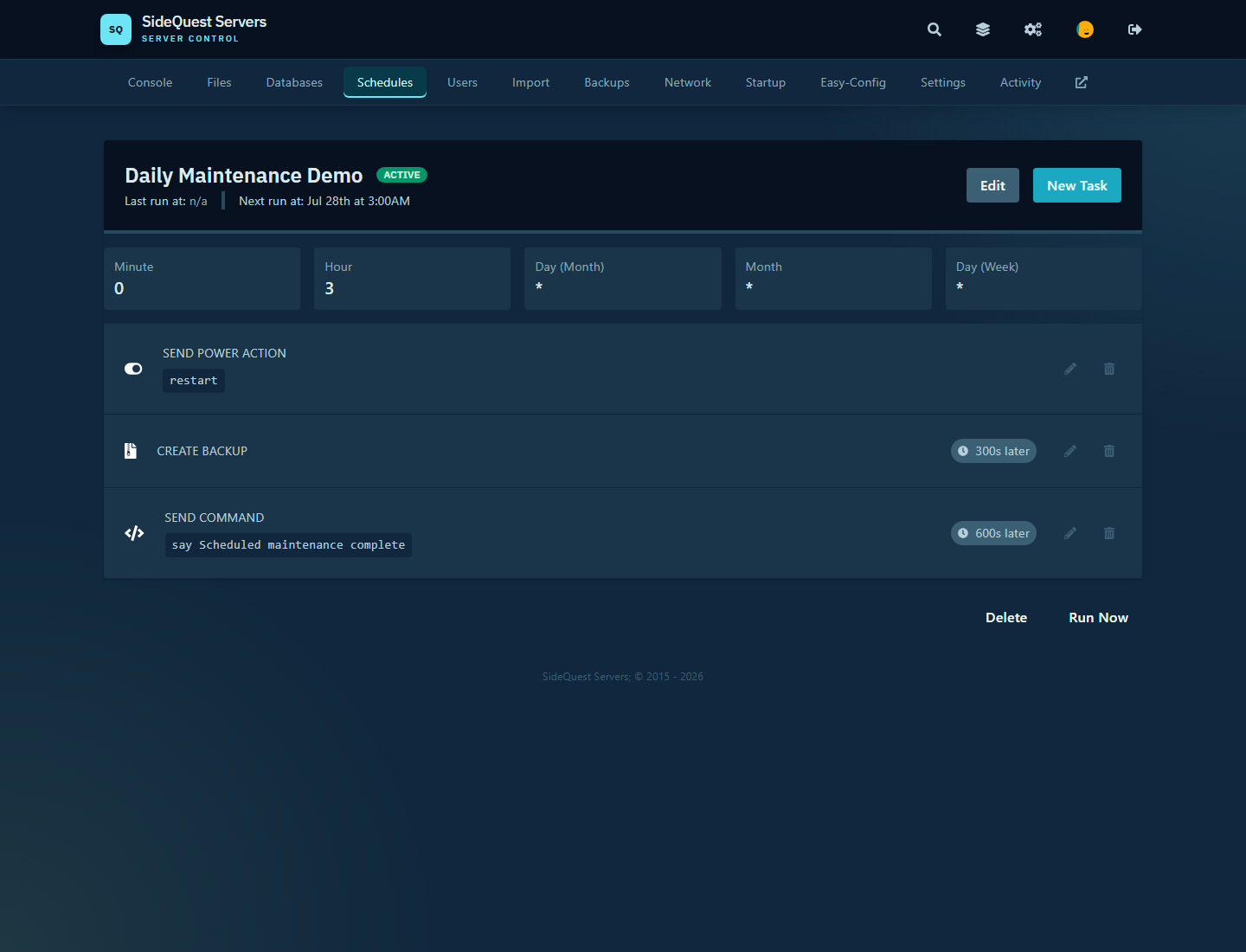
Build a maintenance routine with restarts, backups, and other recurring tasks.
THE REAL SIDEQUEST PANEL
These are actual SideQuest panel screens. Manage your Project Zomboid console, files, world imports, and settings without digging through raw configuration files.
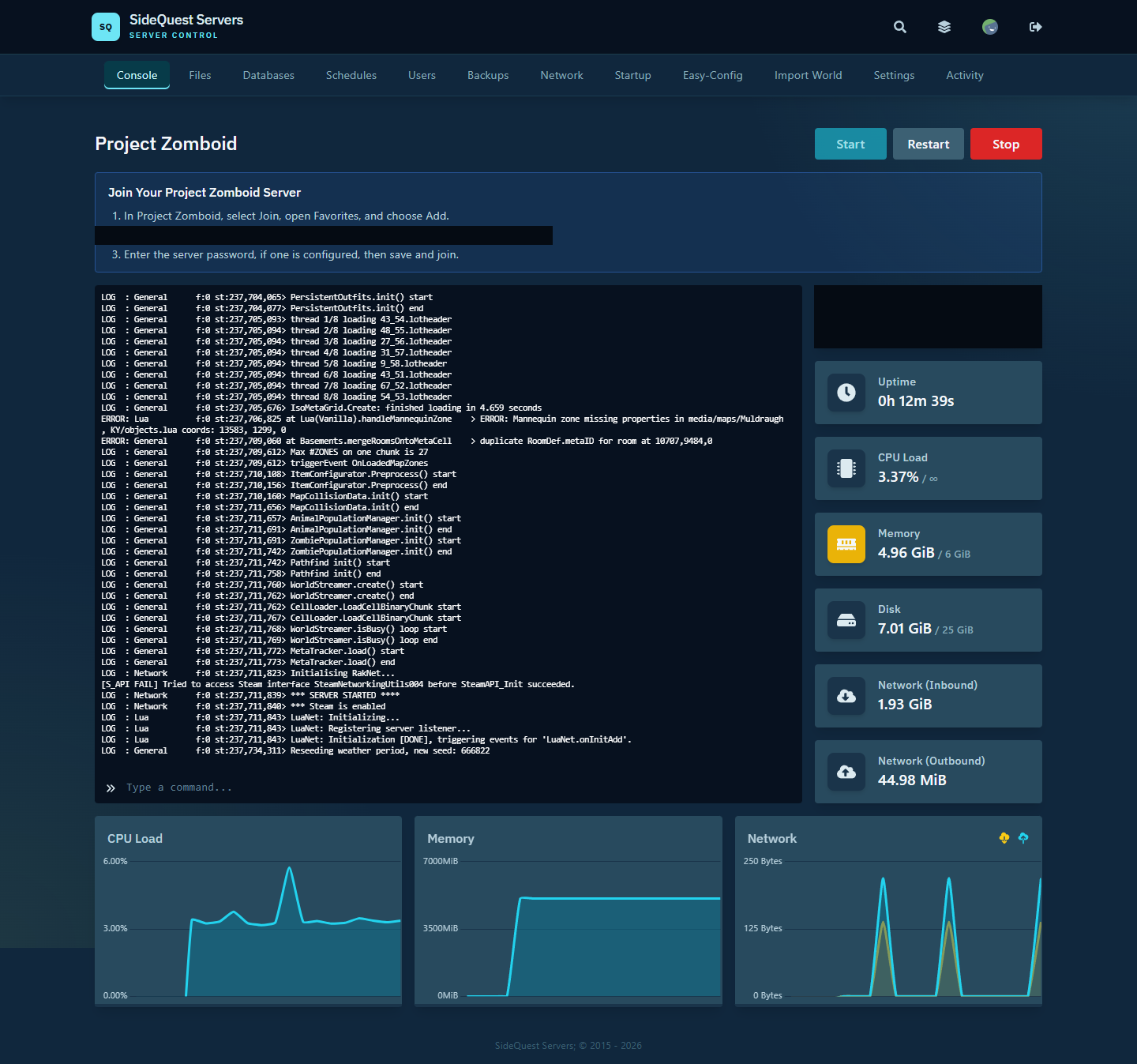
Start, restart, monitor resource usage, and watch your Project Zomboid server come online.
Browse and manage the files that make up your server.
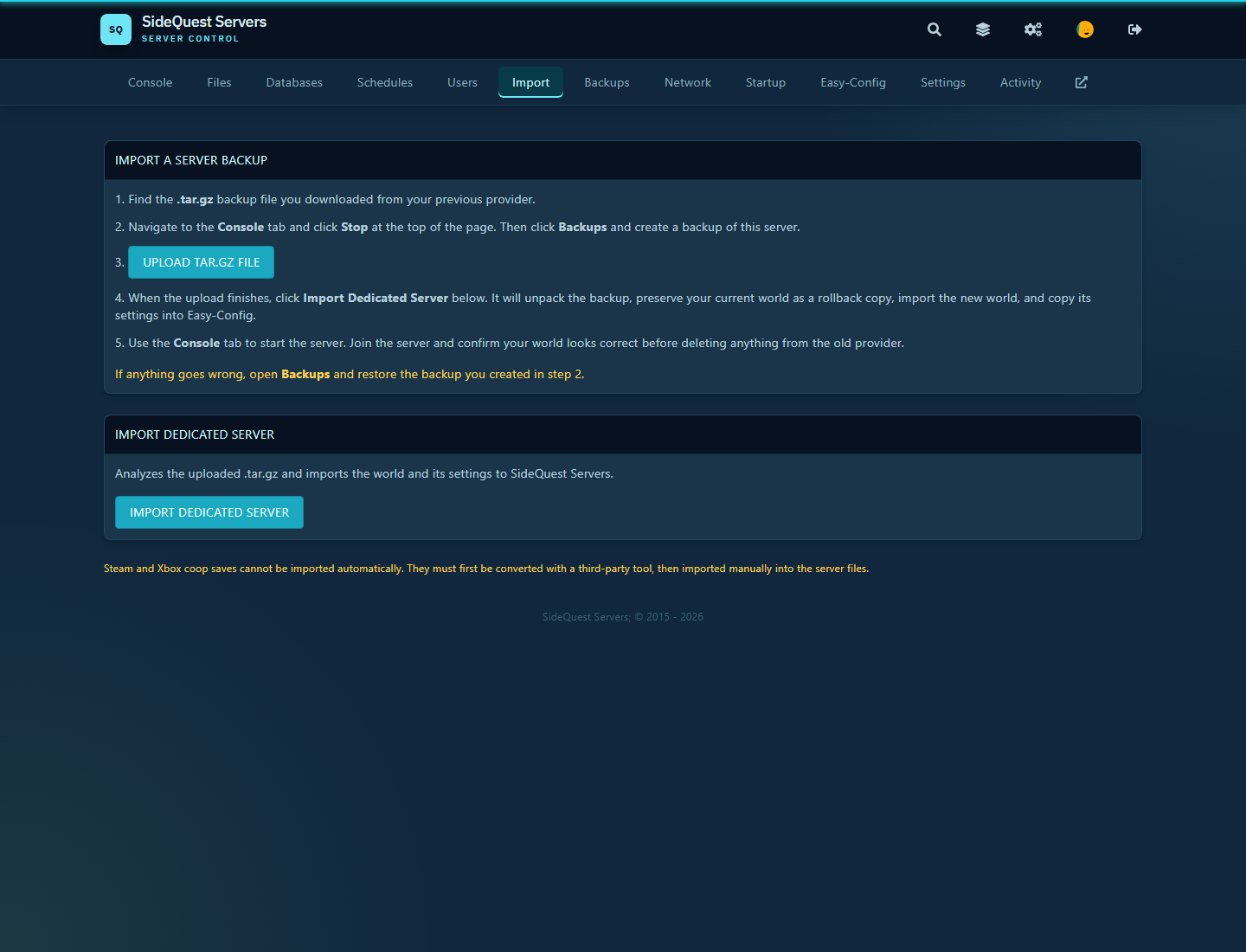
Move an existing Project Zomboid world with import tools and rollback protection.

Adjust Project Zomboid settings through clear controls rather than hunting through config files.
Build reliable routines with restarts, backups, commands, and maintenance tasks on a schedule you control.
PROJECT ZOMBOID FAQ
Know how multiplayer works, what mods require, and how your long-running world is looked after.
Yes. Windows, macOS, and Linux players can play together in online multiplayer when they are running matching game and server versions.
Mods are allowed, but they are not supported. You can also customize gameplay variables using the Easy-Config tab within the Console Interface.
Yes. The server updates to the latest supported Project Zomboid version. Players must update to the same version before joining after a game update.